Build the map.
Import a plan or lighting plot, scan a room, or place fixtures and pixels manually. Group the lights you want to control together.
Explore spatial mappingMap your space in 3D, turn a brief or a track into editable lighting cues, and run the show on your fixtures.
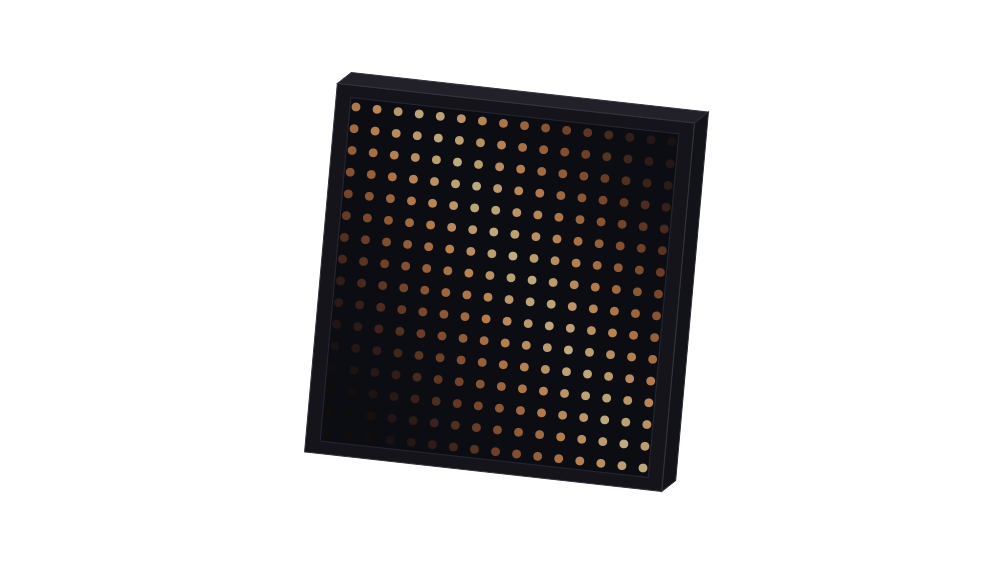
Import a plan or lighting plot, scan a room, or place fixtures and pixels manually. Group the lights you want to control together.
Explore spatial mappingDescribe a look or start with music, an image or a video. Studio is the workspace where you preview, edit and save cues for your mapped rig.
Watch a recorded showThe engine plays validated cues locally at 44 Hz. Send output to your commissioned fixtures over Art-Net or sACN.
Check output compatibilityCAD, MVR, RoomPlan, reference images or a prompt become one semantic rig: geometry, products, pixels, zones, provenance and readiness.
# spatial rig
geometry = reference
patch = unverified
physical_output = locked
A sentence from a designer, an installer, a venue owner. Anything from “make my facade red tonight” to “a 60-minute hardstyle set on a 12-mover stage.”
# intent
"a 60-minute hardstyle set on a 12-mover stage,
 red and black, strobes on every drop"
If there's no rig yet, the AI designs one. Fixture types, DMX patching, 3D positions, roles, pixel layouts. Validated against the rig schema, rechecked for address conflicts. The panel shows one of the 96 fixtures in the festival main-stage reference rig.
{
  "id": "back_aud_beam_1",
  "type": "moving_head_beam",
  "universe": 2,
  "address": 1,
  "footprint": 16,
  "roles": [
    "mover_beam",
    "mover",
    "back_truss",
    "audience_wash"
  ],
  "channels": {
    "intensity": 5,
    "r": 7,
    "g": 8,
    "b": 9,
    "w": 10,
    "strobe": 6,
    "pan": 0,
    "pan_fine": 1,
    "tilt": 2,
    "tilt_fine": 3,
    "zoom": 14,
    "focus": 13,
    "gobo": 12,
    "color_wheel": 11,
    "speed": 4,
    "ctrl": 15
  },
  "position": [
    -7.0,
    9.0,
    -4.0
  ],
  "invert_pan": false,
  "invert_tilt": false,
  "pan_range_deg": 540.0,
  "tilt_range_deg": 270.0,
  "pan_min": 0.0,
  "pan_max": 1.0,
  "tilt_min": 0.0,
  "tilt_max": 1.0,
  "max_aim_speed": 0.3
}A timeline of events targeting fixture roles: cues, modulators, palettes, easing, pixel effects. The same engine handles a 2-second prompt and a 4-minute song.
{
  "type": "cue",
  "t": 12.0,
  "targets": {
    "roles": [
      "mover_wash"
    ],
    "ids": [],
    "zones": []
  },
  "params": {
    "color": [
      60,
      220,
      255
    ],
    "intensity": 0.8
  },
  "transition": {
    "duration_s": 0.2,
    "easing": "ease_out_quad"
  },
  "label": "drop_wash"
}Events render to 512-byte DMX frames at 44 Hz. Same (events, rig, t) → same frame, always. Replays, pre-renders and live playback are bit-identical.
u0 ch[1..8] = 158, 74, 112, 163, 0, 56, 0, 135   # front_spot_1
u0 ch[17..24] = 120, 178, 112, 163, 0, 56, 0, 135   # front_spot_2
u0 ch[33..40] = 127, 79, 112, 163, 0, 56, 0, 135   # front_spot_3
u0 ch[49..56] = 114, 91, 112, 163, 0, 56, 0, 135   # front_spot_4

# 512 bytes per universe · 44 Hz · bit-identical on replay
The rig's universe addresses determine whether it uses Art-Net or sACN/E1.31. DALI and 0–10 V connect through compatible gateways. The verified output node is the electrical last mile; Lightshaped owns the selected universes as the intelligent control plane.
# ArtDmx packet (Art-Net is required when a rig uses universe 0)
OpCode = 0x5000
Length = 512

universe_owner = lightshaped
output_gate    = commissioned_rig_only
Mid-show: another sentence. “Make the strobes slower.” The stage keeps playing while Lightshaped revises the show through the same validators, then crossfades to the result.
# steer: a sentence, not a channel edit
"make the strobes slower"

# same validators as the first show
# the stage keeps playing until the handover
Bring a lighting plot or brief to the first call. If it’s a fit, we’ll scope a paid pilot around your installation.